Ancestor Heritage
Six generations, one elegant fan.
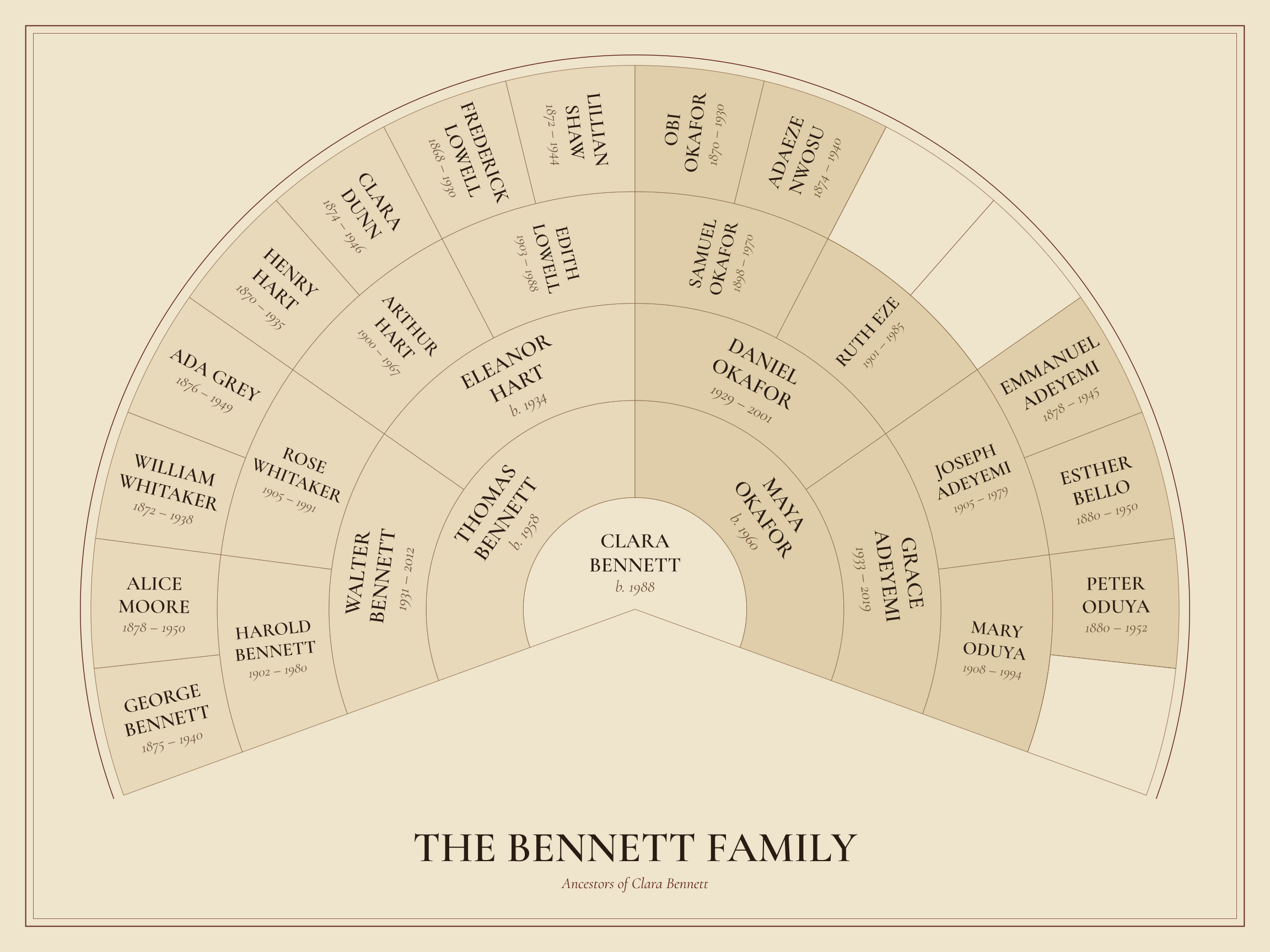
1 / 7 Finished artwork
A classic ancestor fan that begins with one person — you, a parent or a grandparent — and opens outward through parents, grandparents and beyond, up to six generations on a single sheet.
Start with one person, then add their parents and grandparents.
Free to personalize and download. Digital files only.
What you receive
Make your family artwork in the studio, then download the files for your chosen size.
- PDF & SVG
- An exact-size print PDF and scalable SVG artwork with embedded fonts. Multi-page designs have a separate SVG for each page.
- JPG & PNG
- Page images labelled with their actual resolution. Large pages may exceed image limits; check the available downloads in the studio.
- A print bundle
- A ZIP of artwork.pdf, proof.pdf, SVGs, supported JPGs, people.csv, print-instructions.txt and manifest.json. Export again to change print sizes; page and image limits apply.
- An editable backup
- Save a separate .familytree.zip from My projects. It keeps your family, design settings and saved photos for restoring and editing later.
Check the proof, included people and fit before printing. Digital files only; arrange your own printing and frame. Read the print guide →
Editing autosaves in this browser. When you request a print download, the project data needed for the artwork and the photos shown are sent to our download server to make your files. The app does not store your project or photos on that server. Privacy details
How an ancestor fan reads
The person you choose sits at the centre. Each ring outward is one generation: two parents, four grandparents, eight great-grandparents, and so on. Six generations hold up to 63 people, so the fan stays readable without anyone being squeezed into a sliver.
You decide who belongs: every line, or one side of the family. Where a line is unknown, the space simply stays quiet — nothing is guessed or filled in.
Good to know
- When the same ancestor is reached through two lines, they appear in each place they belong, while staying one person in your family file.
- Adoptive and biological parents are both kept in your family file.
- The outer rings are the narrowest. The studio tells you when names would print too small for the size you picked.
- Layout
- Ancestor fan
- People
- Up to 63 on this design
- Generations
- Starts at 5, up to 6
- Starting style
- Heritage — Parchment, oxblood and engraved capitals. Any of the 10 styles can be chosen instead.
- Starting size
- 24 × 18 in (610 × 457 mm), landscape. Choose another size in the studio and check the proof and fit before exporting.
- Files
- Vector PDF, SVG, PNG and JPG, Print bundle
Included
- Ancestor fan up to 6 generations
- Choose the starting person and branch
- Names, years and places you choose to show
Best for: Tracing where a family came from.
Start Ancestor Heritage in any style
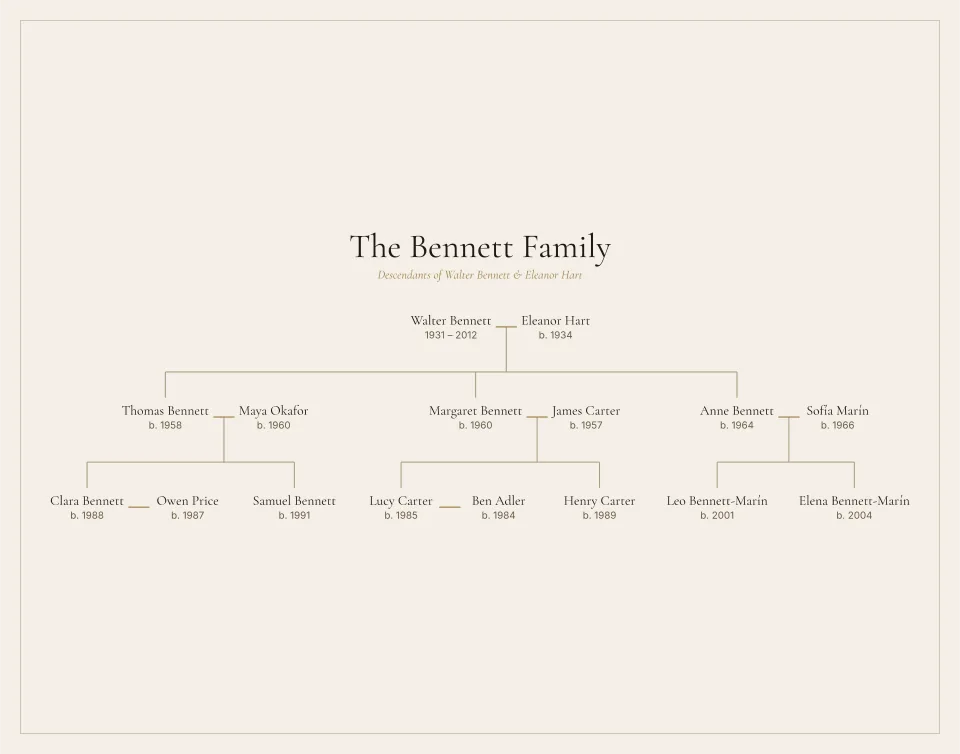
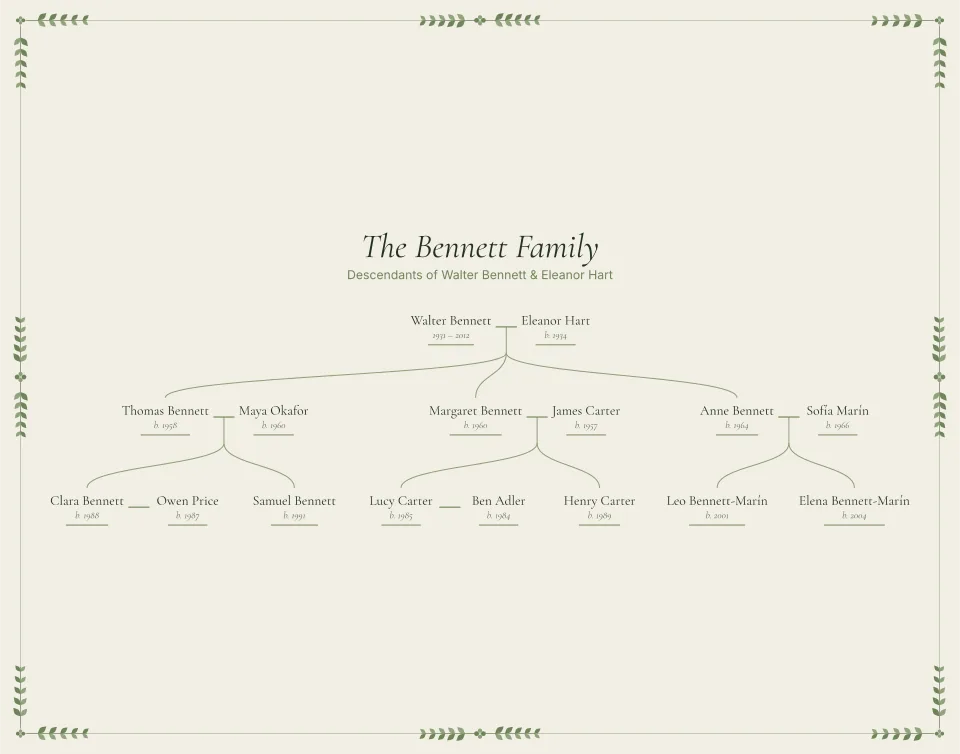
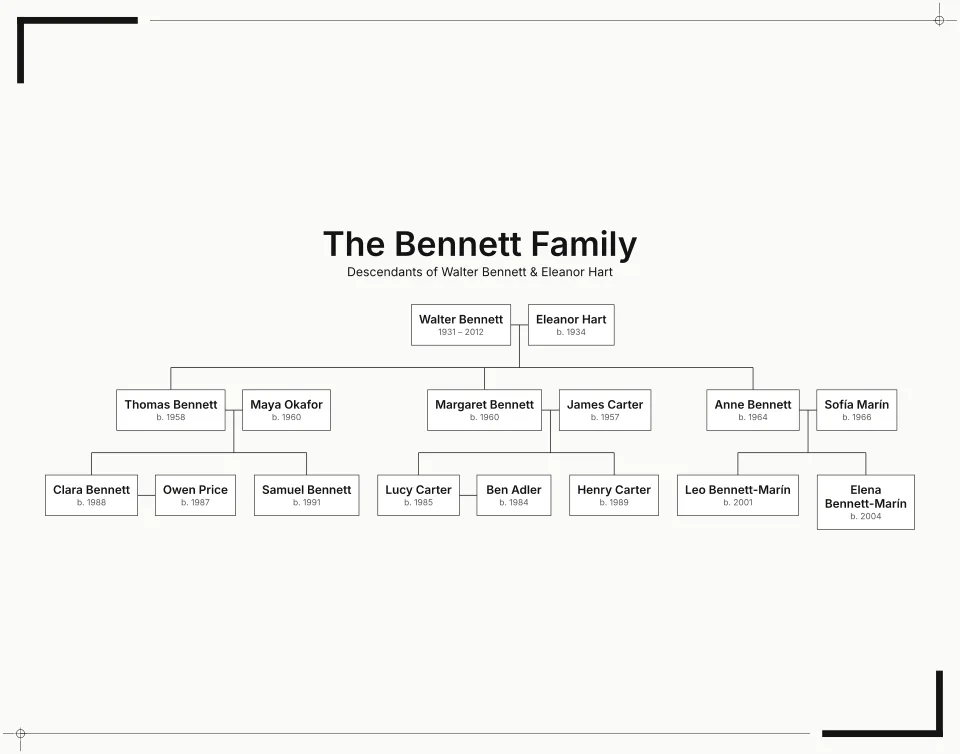
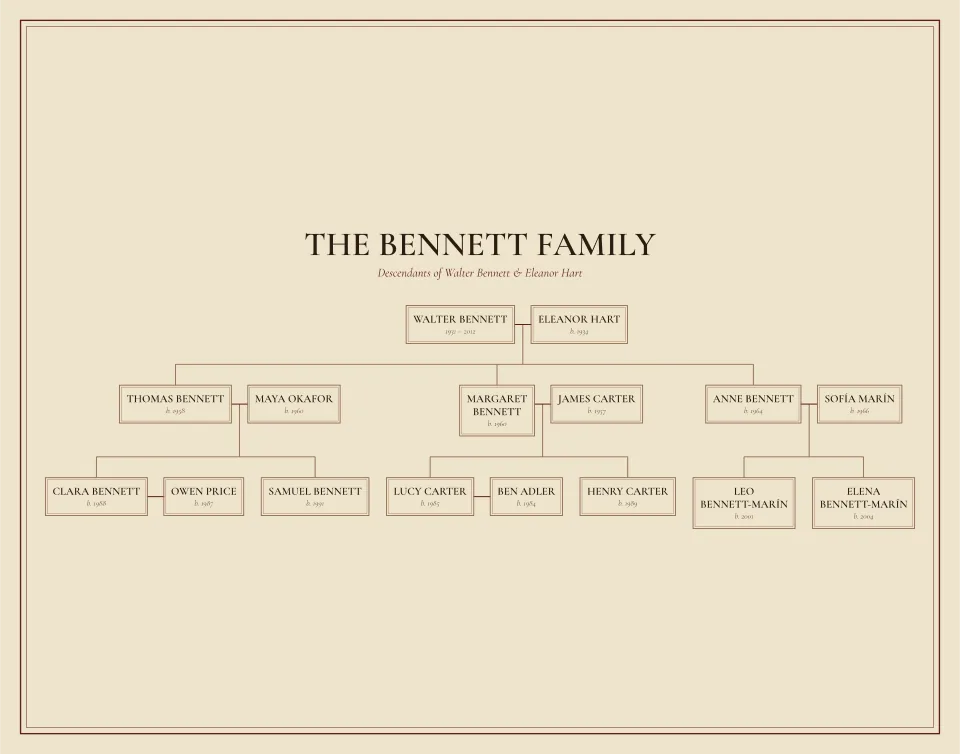
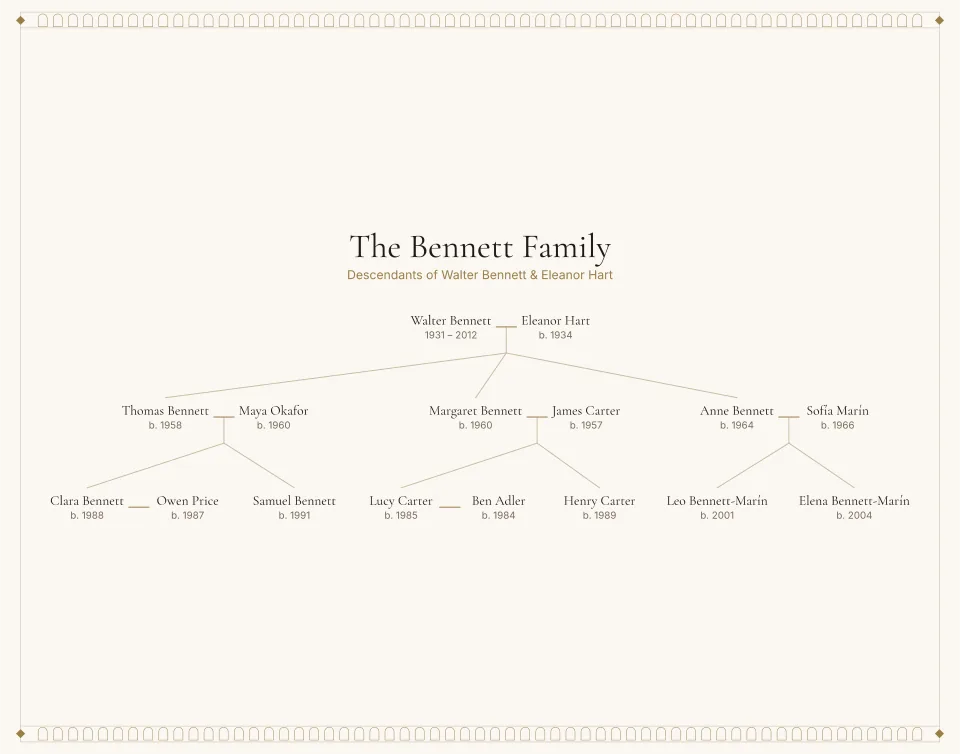
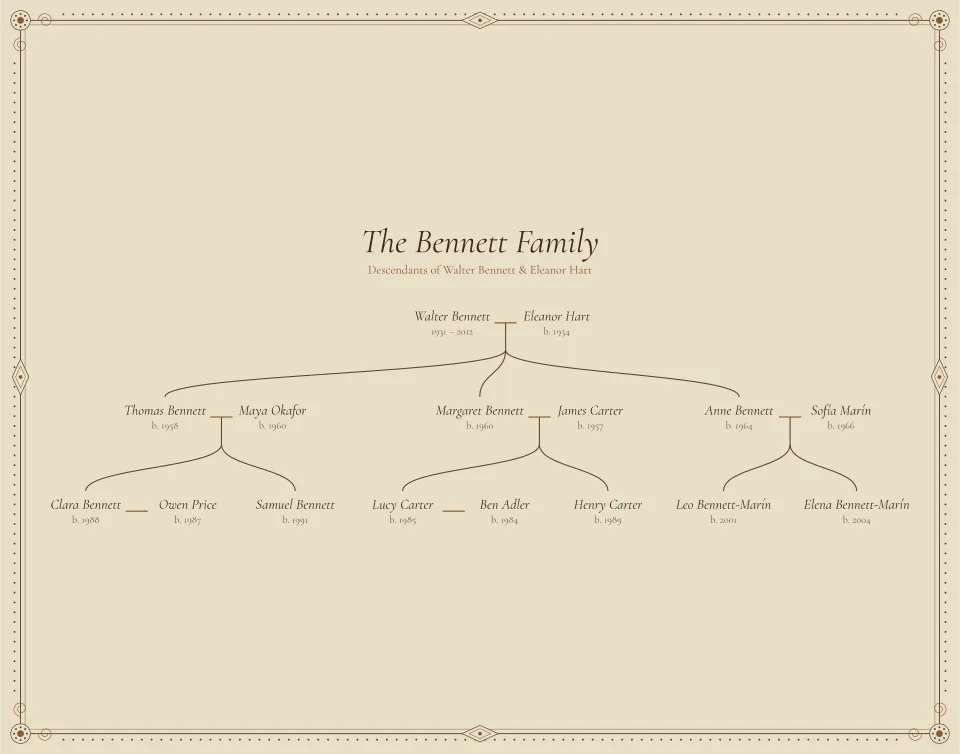
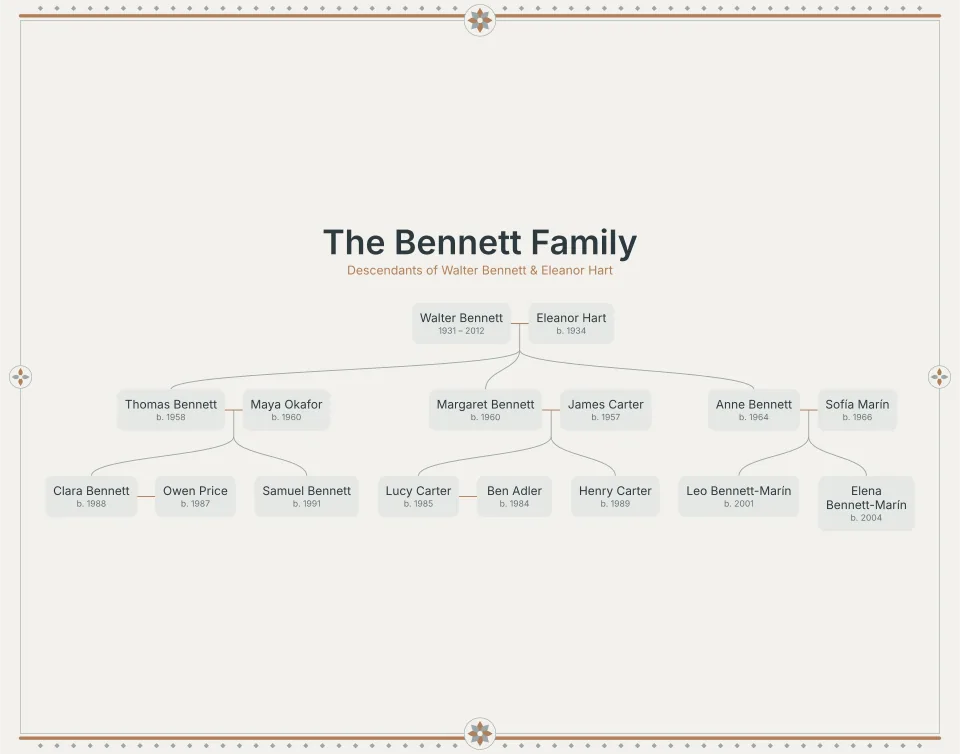
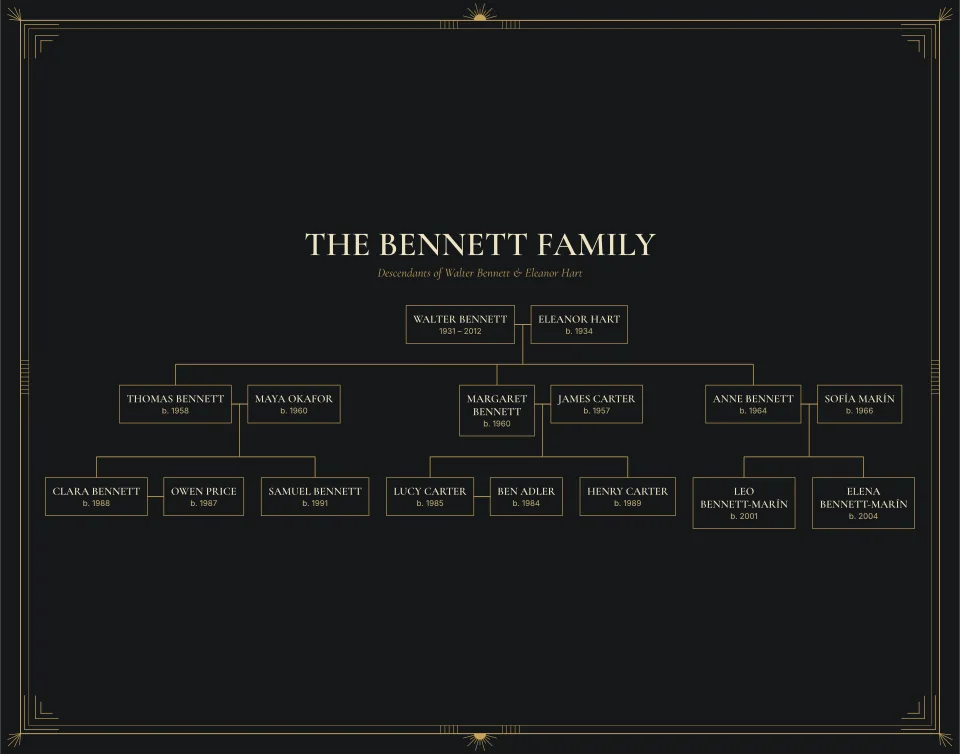
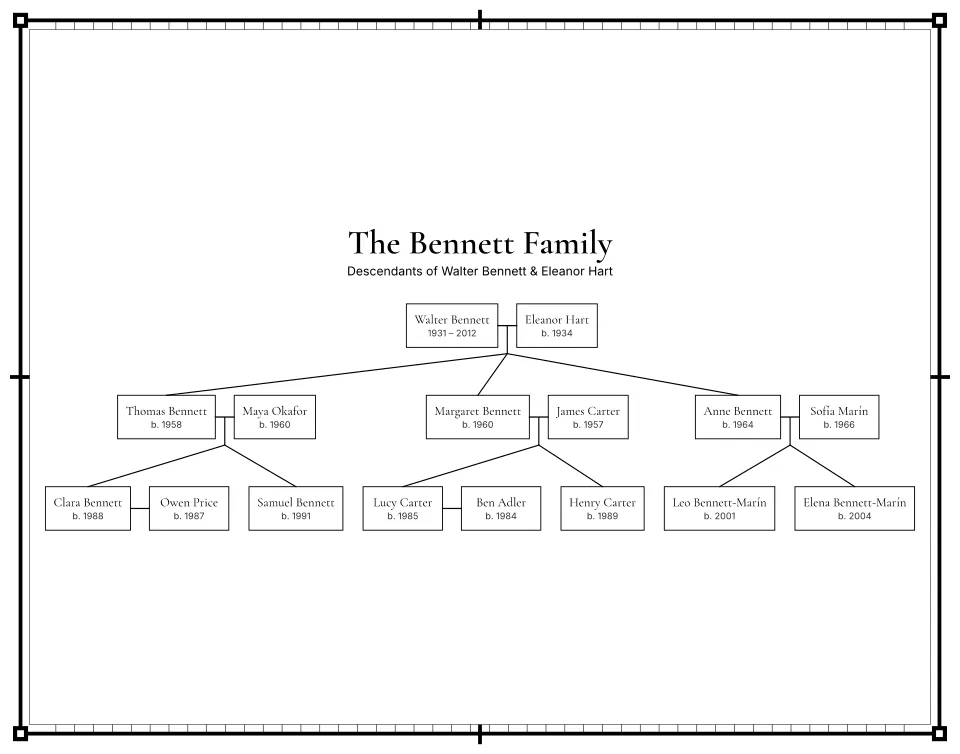
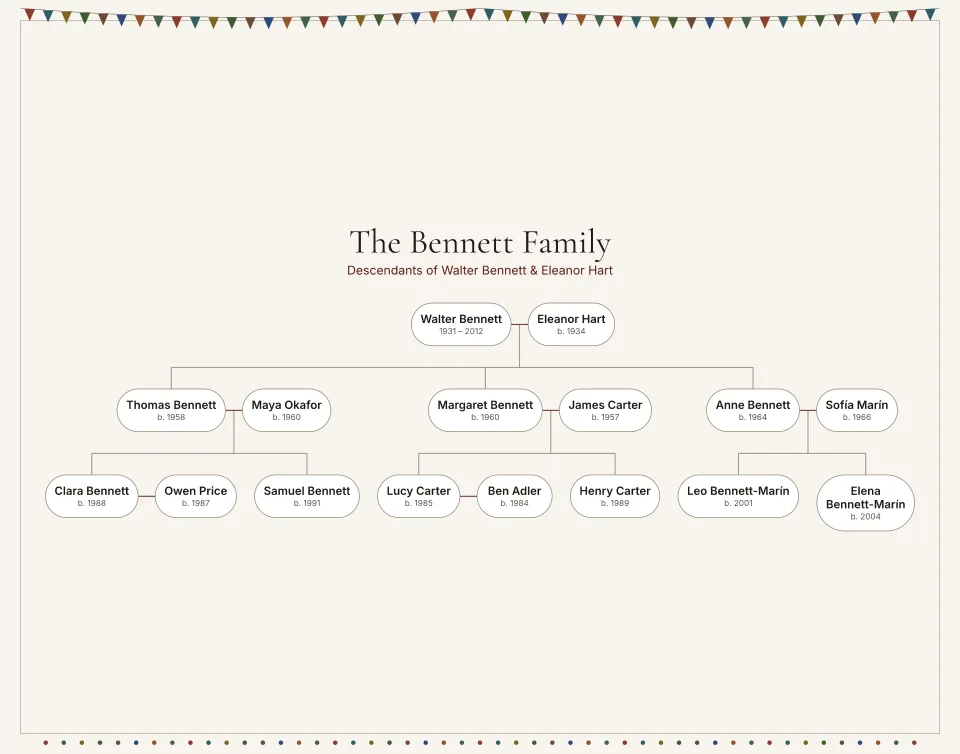
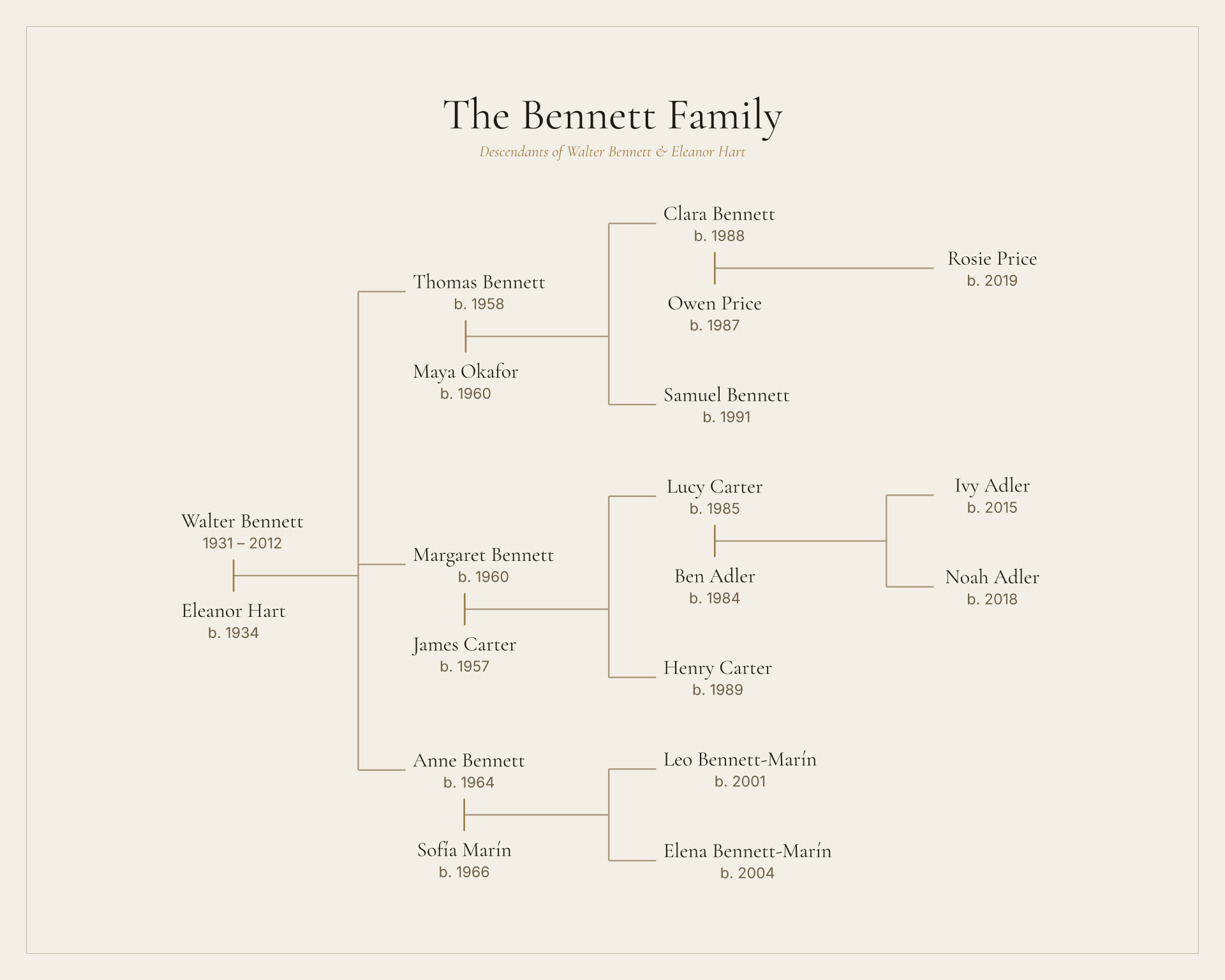
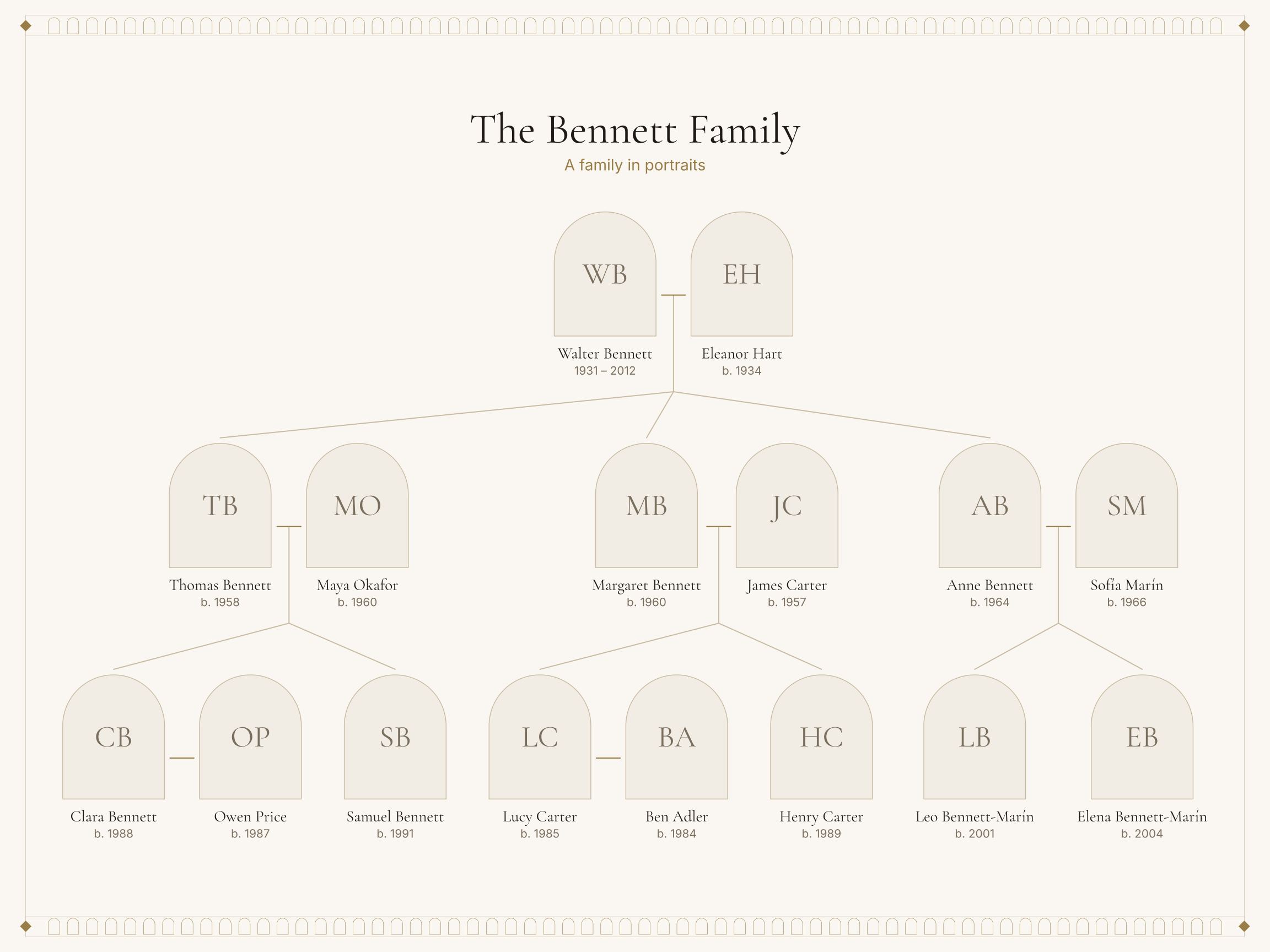
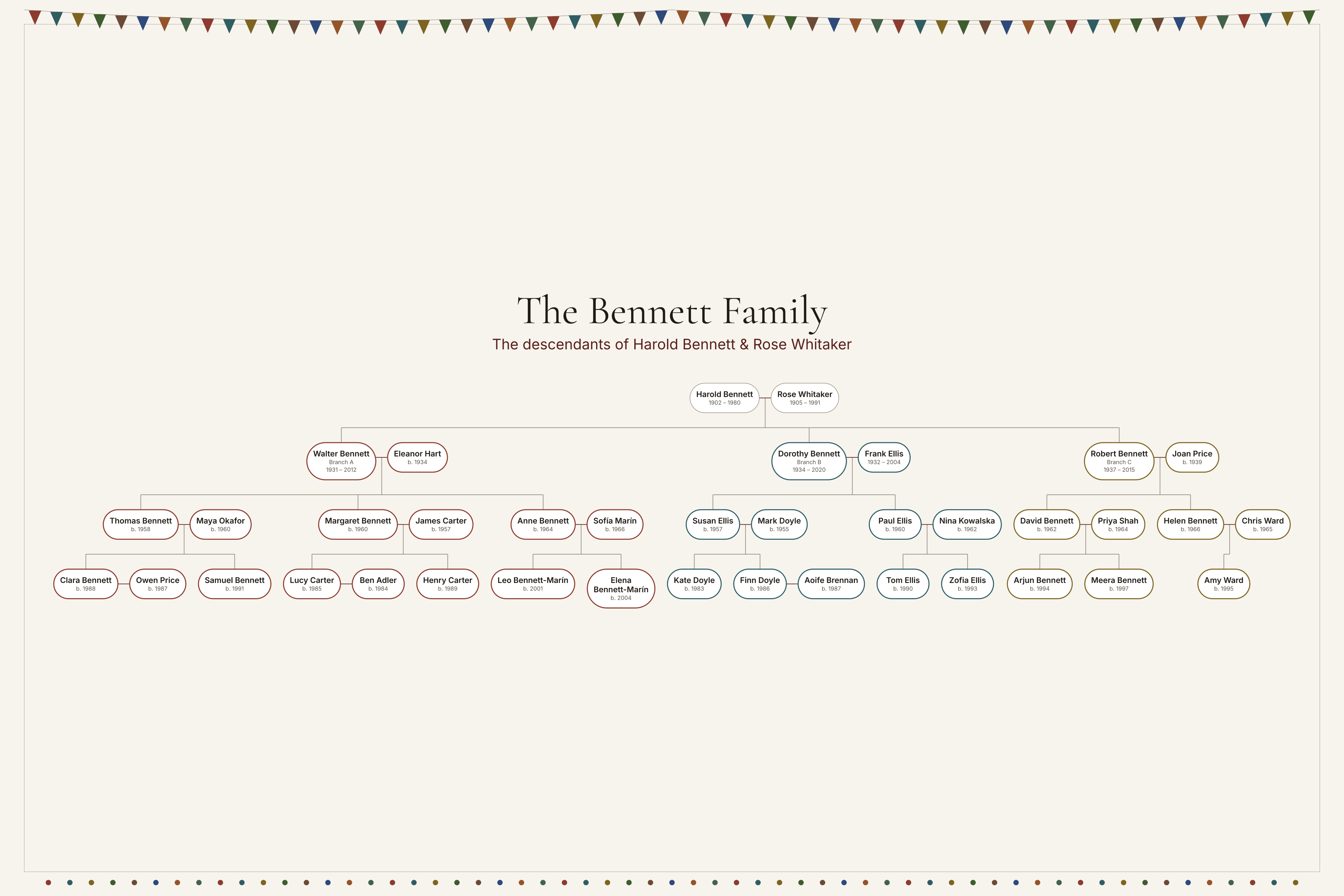
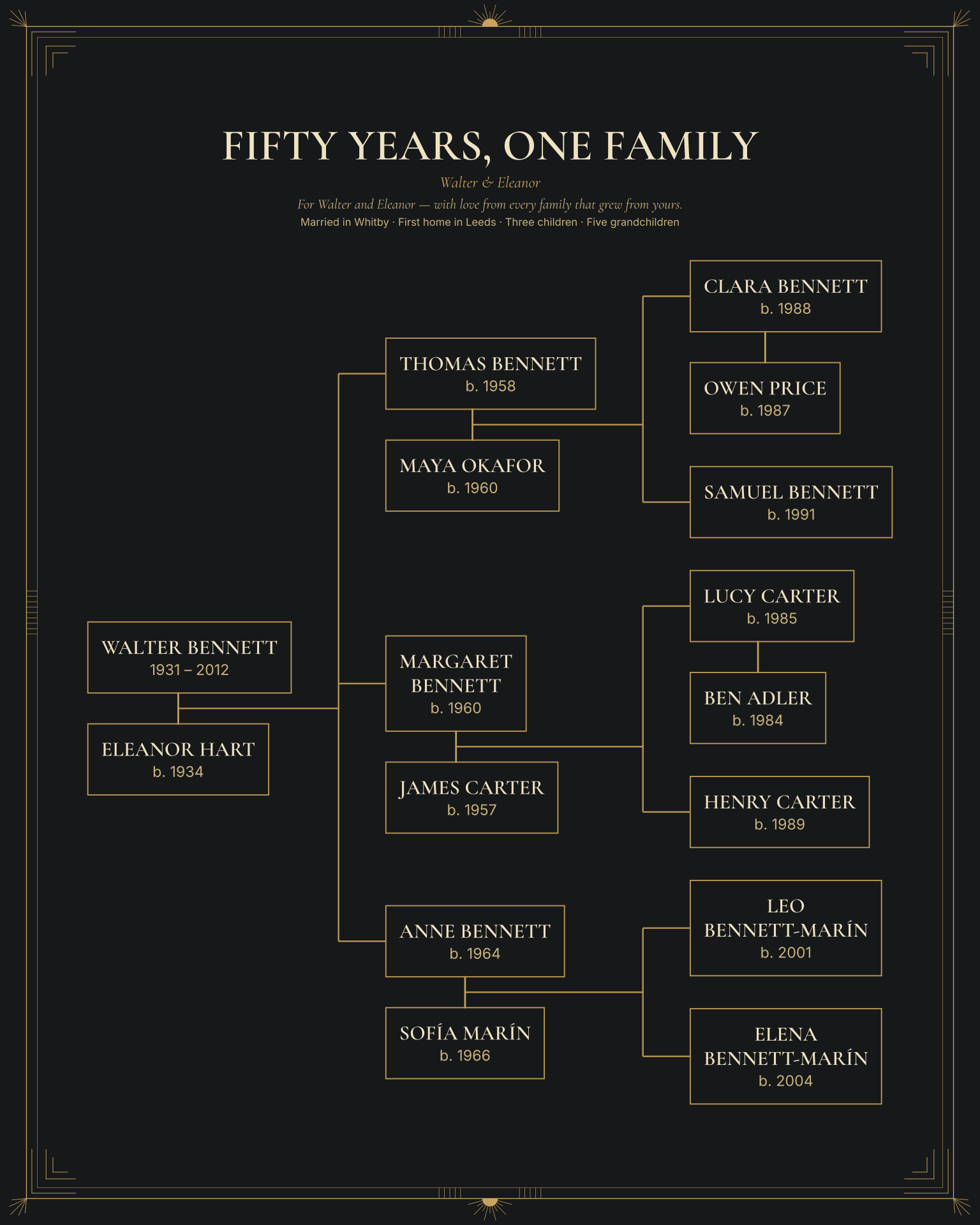
Compare the lettering, palettes and borders of all 10 styles on a descendant example. Pick one to start Ancestor Heritage with it already chosen. You can switch styles later without changing your family.
Three ways to begin
Type names
Start with one person and add relatives one at a time. Unknown dates and places are fine.
Import GEDCOM
Export a .ged file from your genealogy software. You review what was read before anything is used. How importing works
Import CSV
Keep your family in a spreadsheet? Use the studio’s CSV template, with one row per person.
Start your Ancestor Heritage.
Your work is saved in this browser as you go, and you can come back to it from My projects.