Photo Legacy
Faces first, names beneath.
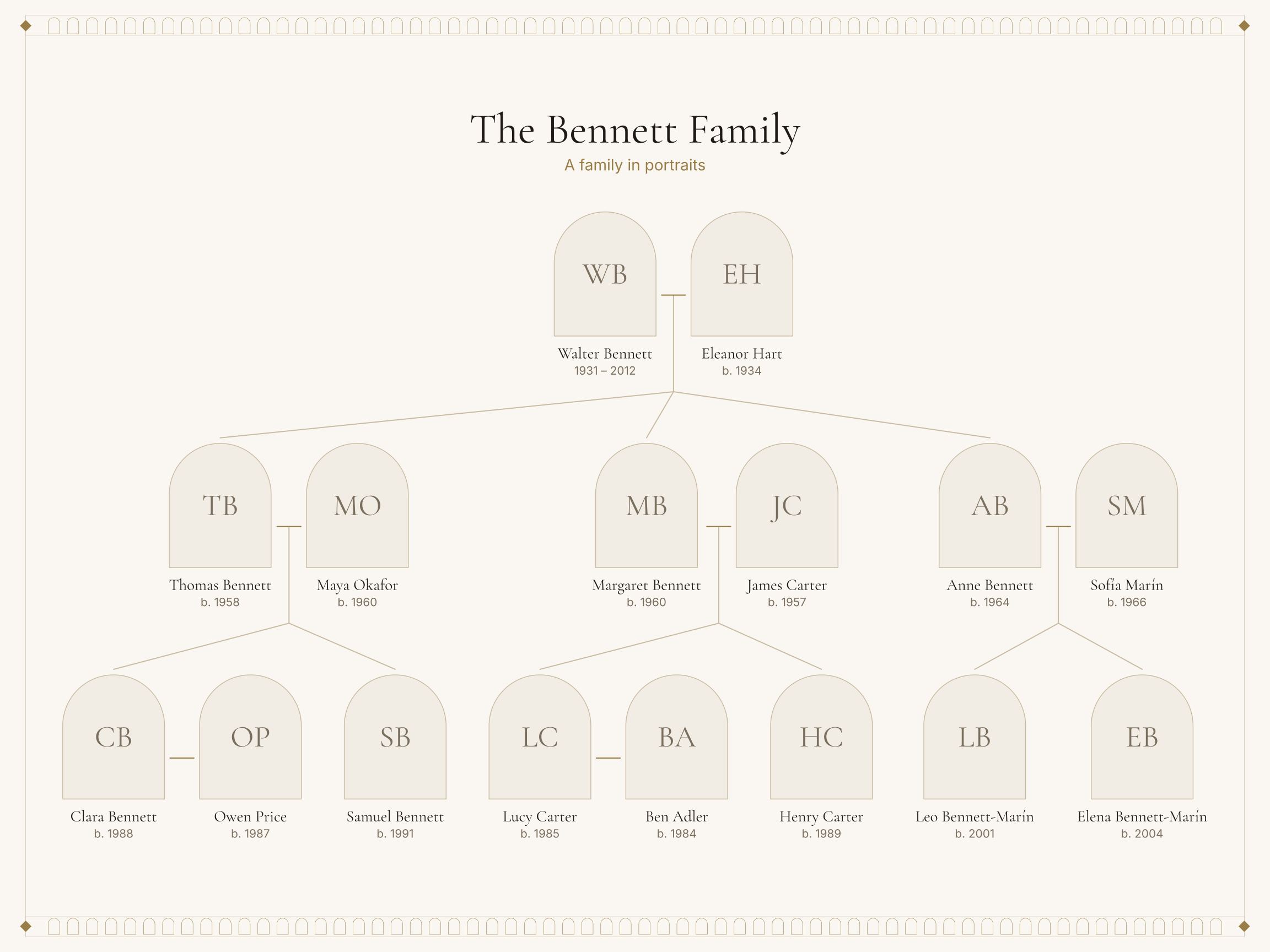
1 / 7 Finished artwork
A portrait tree built from your own photographs — up to 24 portrait cards, cropped by you, arranged as ancestors or descendants of the person you choose.
Add people, then match a photo to each person in the Photos step.
Free to personalize and download. Digital files only.
What you receive
Make your family artwork in the studio, then download the files for your chosen size.
- PDF & SVG
- An exact-size print PDF and scalable SVG artwork with embedded fonts. Multi-page designs have a separate SVG for each page.
- JPG & PNG
- Page images labelled with their actual resolution. Large pages may exceed image limits; check the available downloads in the studio.
- A print bundle
- A ZIP of artwork.pdf, proof.pdf, SVGs, supported JPGs, people.csv, print-instructions.txt and manifest.json. Export again to change print sizes; page and image limits apply.
- An editable backup
- Save a separate .familytree.zip from My projects. It keeps your family, design settings and saved photos for restoring and editing later.
Check the proof, included people and fit before printing. Digital files only; arrange your own printing and frame. Read the print guide →
Editing autosaves in this browser. When you request a print download, the project data needed for the artwork and the photos shown are sent to our download server to make your files. The app does not store your project or photos on that server. Privacy details
How a portrait tree reads
Every person is a portrait card: your photograph, cropped by you, with the name and years set beneath. Cards are arranged by generation around the person you choose.
Photos are prepared in your browser. You set the crop and zoom for each face, and the studio checks whether each photo has enough resolution for the print size you choose.
Good to know
- Up to 24 portrait cards per print.
- JPG, PNG and WebP photos are accepted.
- Photos are stored with your project on this device; those on the design are sent to our download server only when you download.
- Layout
- Portrait tree
- People
- Up to 24 on this design
- Generations
- Starts at 3, up to 4
- Starting style
- Photo Gallery — Arched portraits on a quiet gallery wall. Any of the 10 styles can be chosen instead.
- Starting size
- 24 × 18 in (610 × 457 mm), landscape. Choose another size in the studio and check the proof and fit before exporting.
- Files
- Vector PDF, SVG, PNG and JPG, Print bundle
Included
- Up to 24 portrait cards
- Your photos, cropped by you
- Photo resolution check for your print size
Best for: Families with a shoebox of photographs worth framing.
Start Photo Legacy in any style
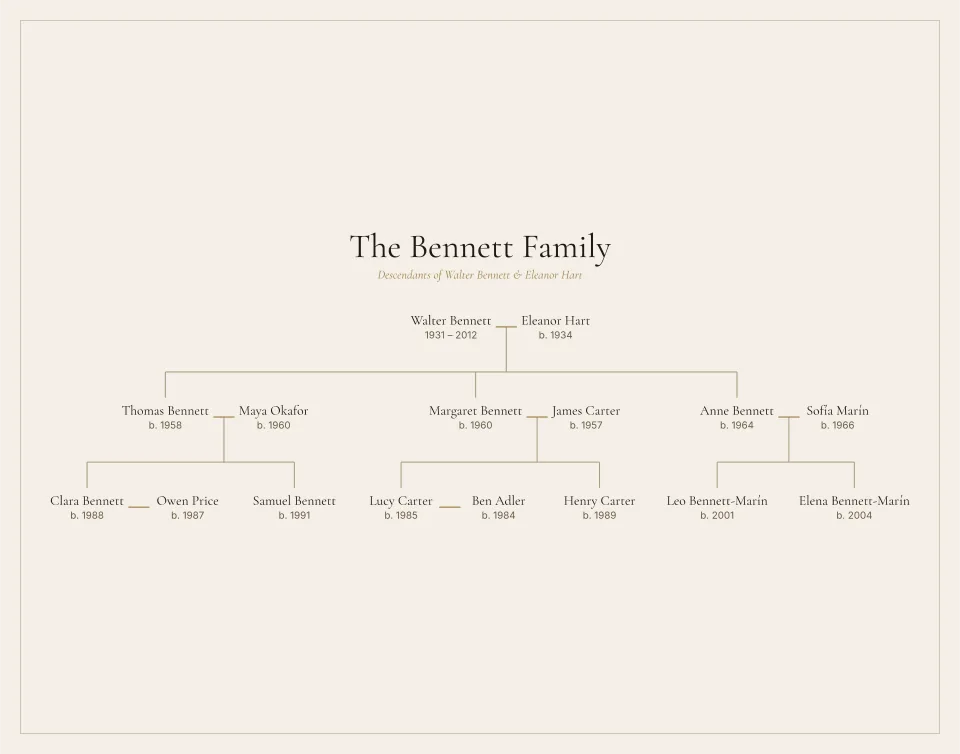
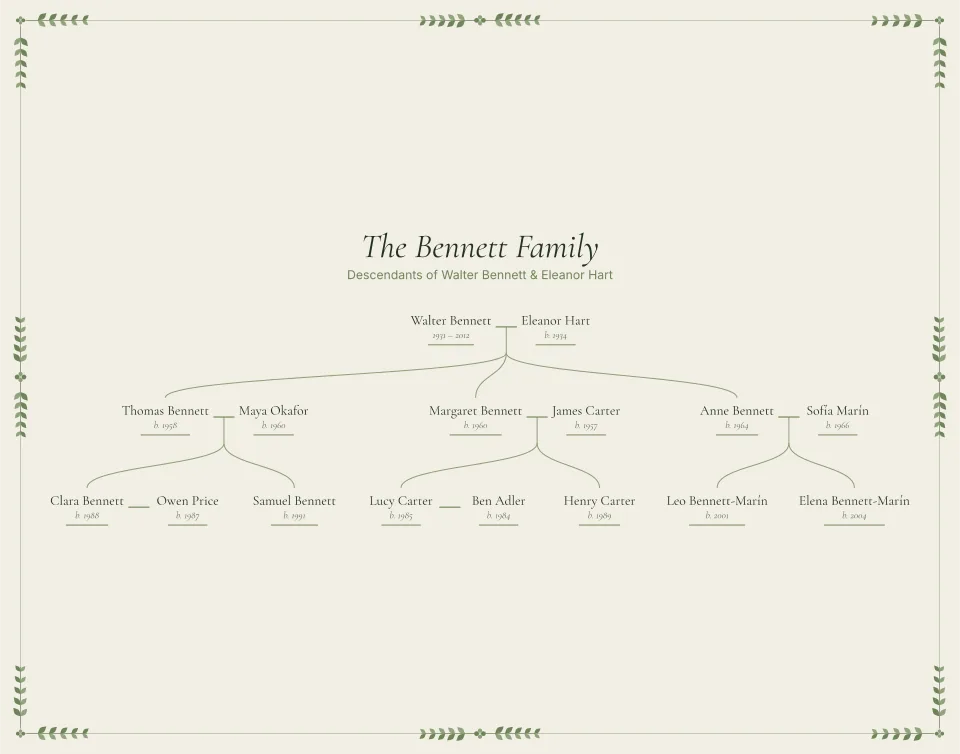
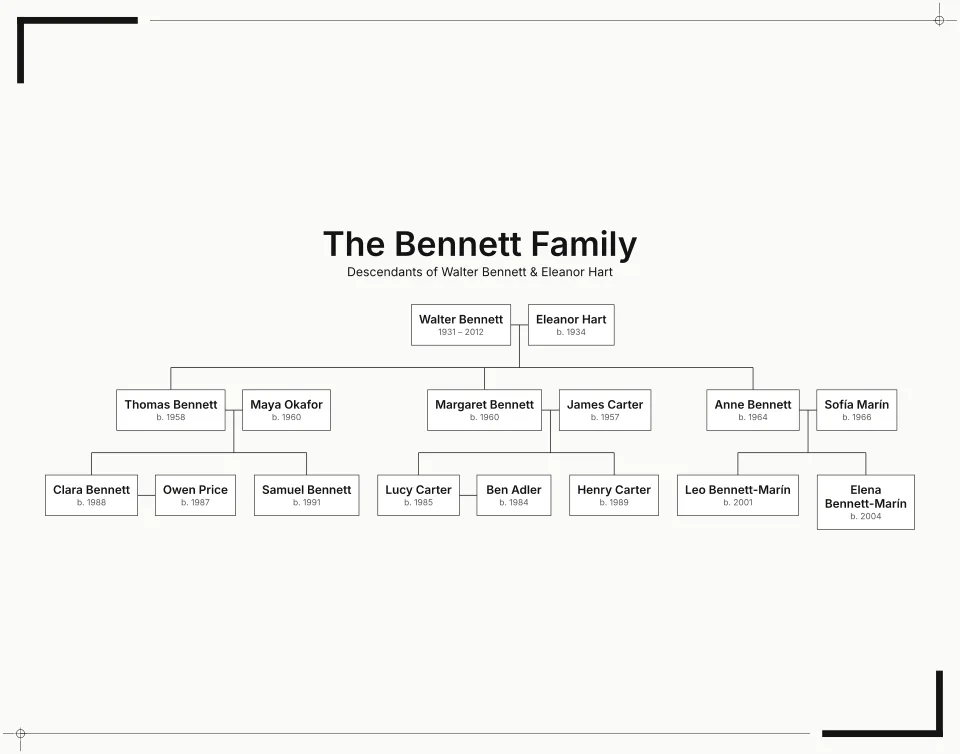
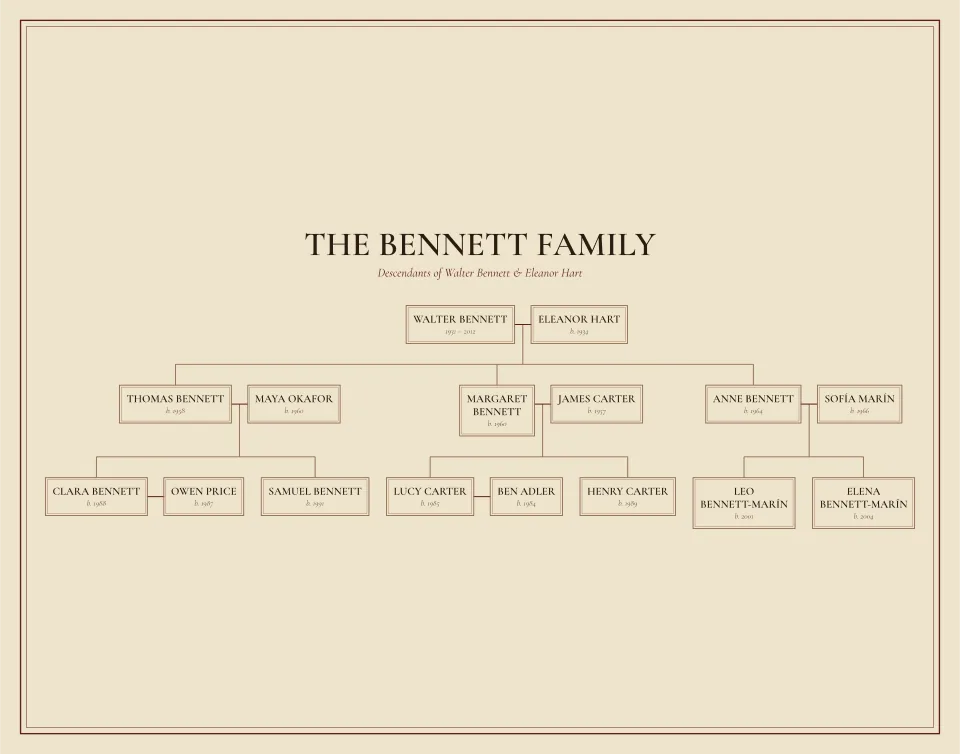
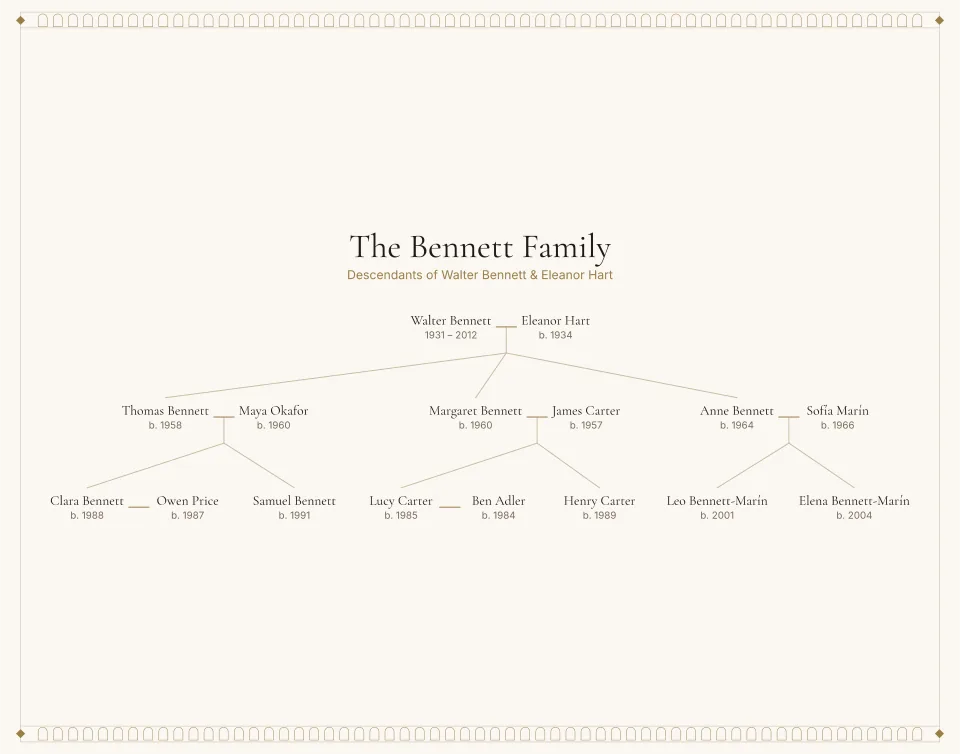
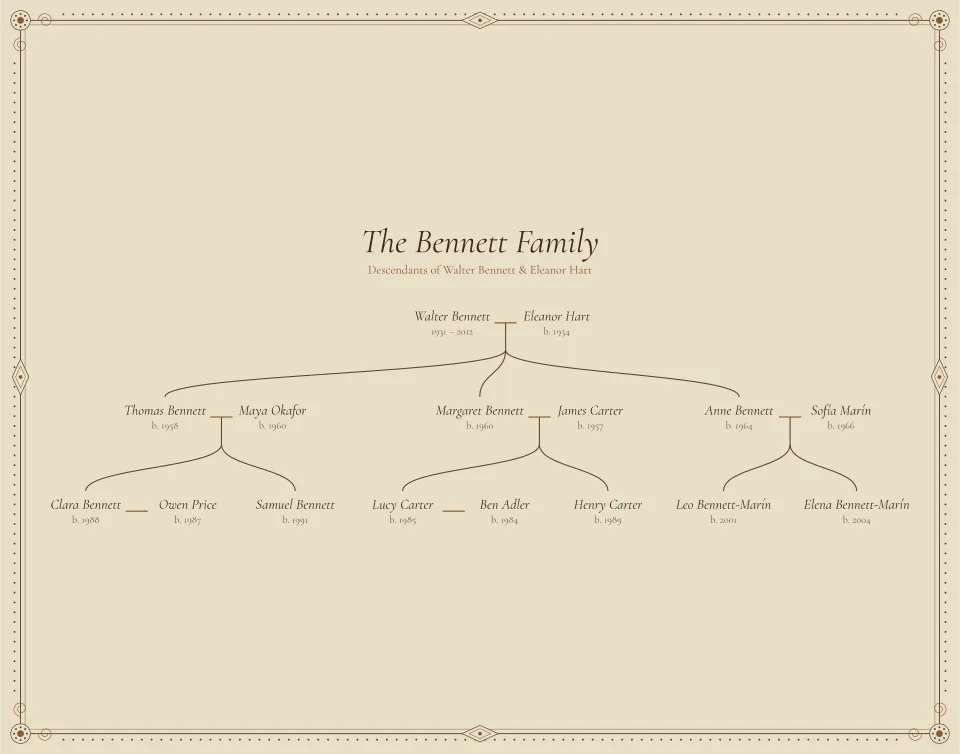
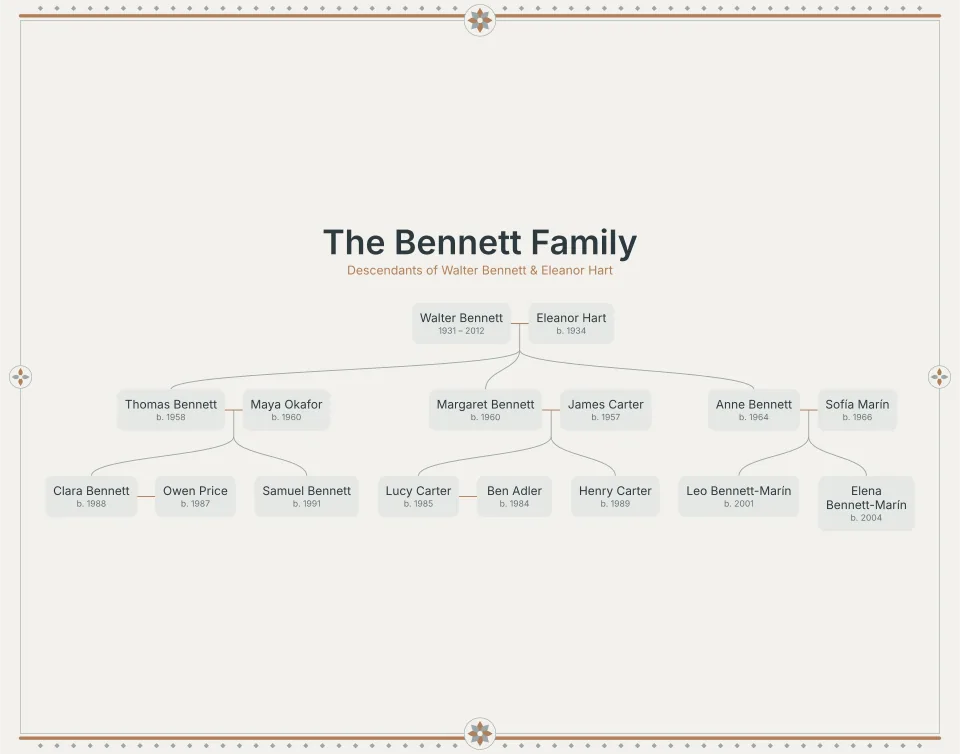
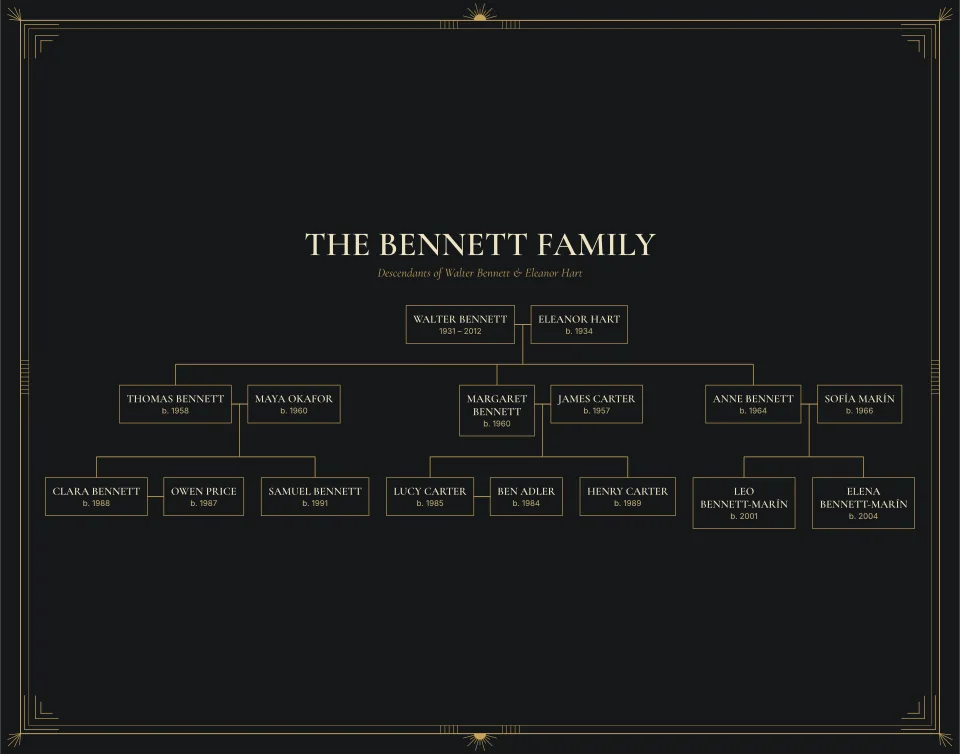
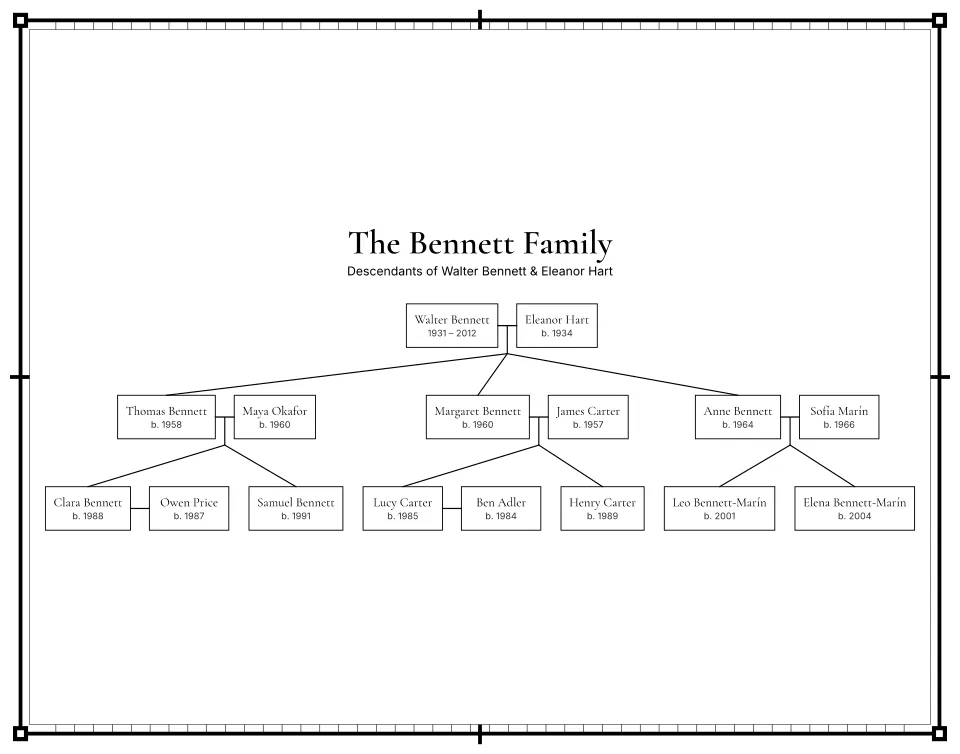
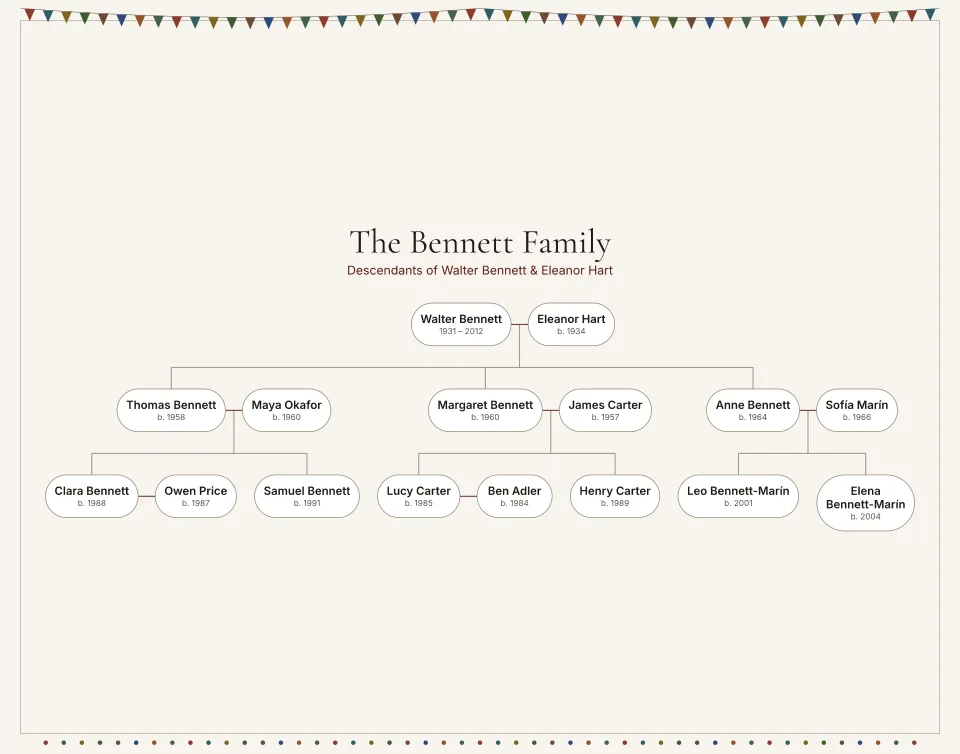
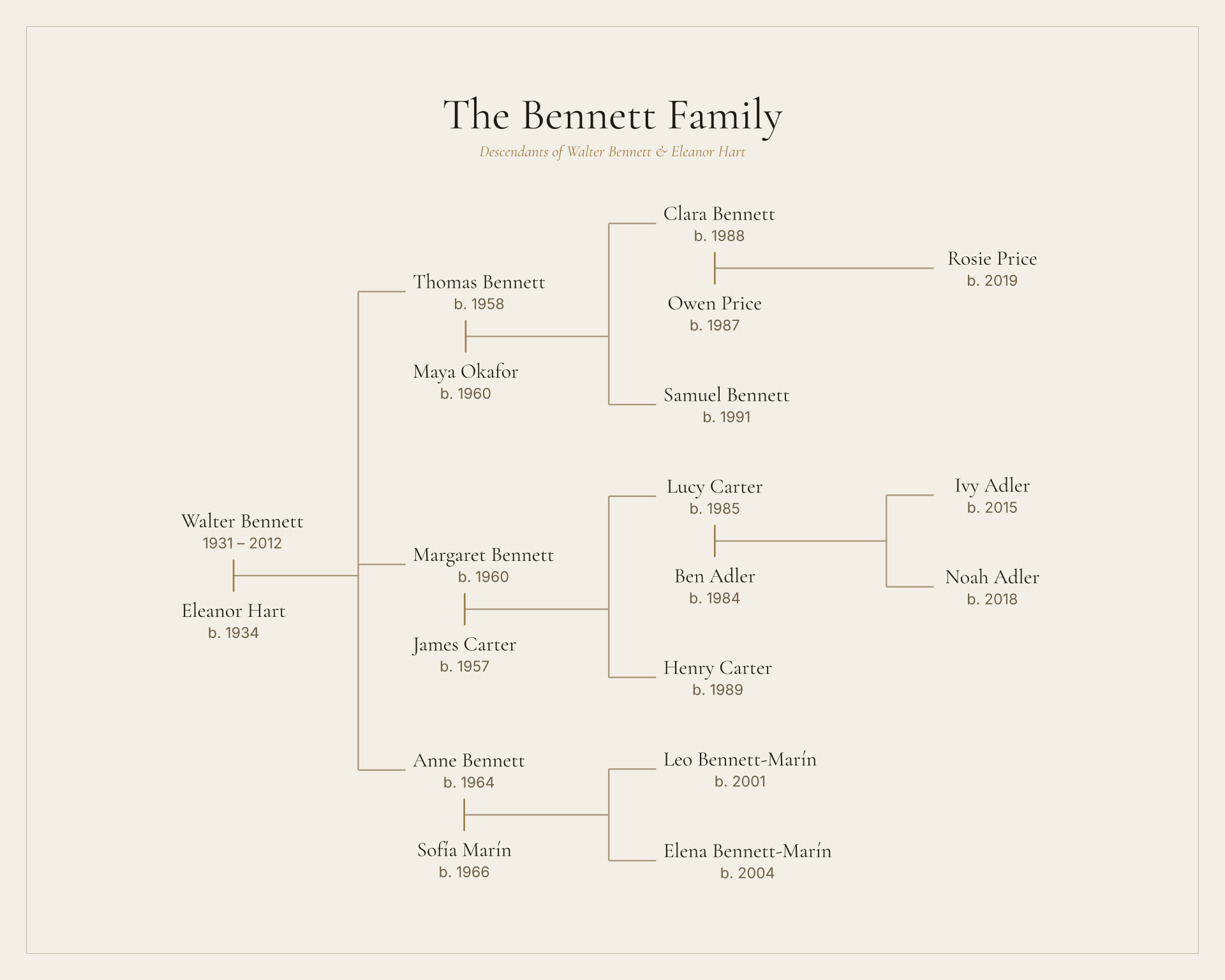
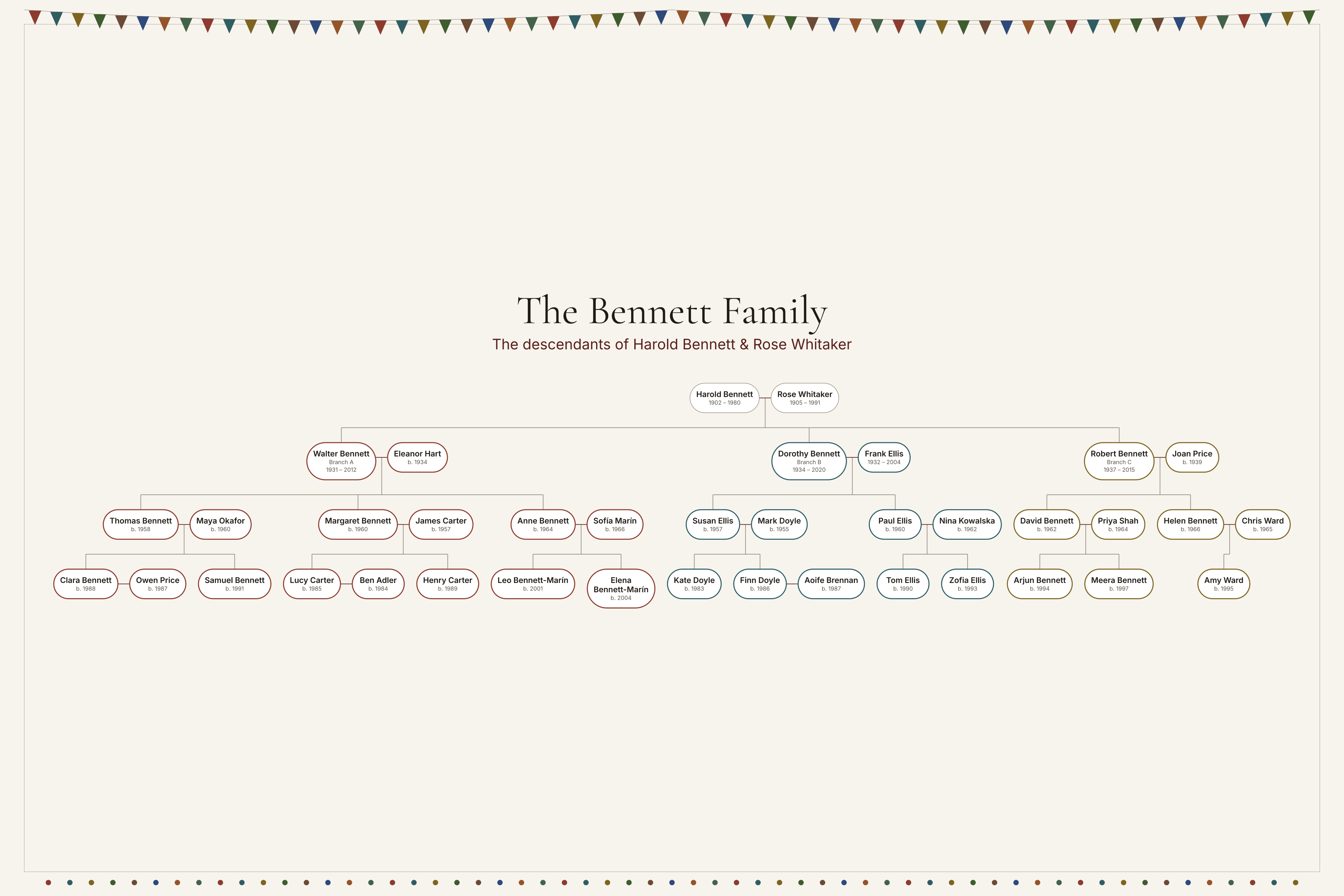
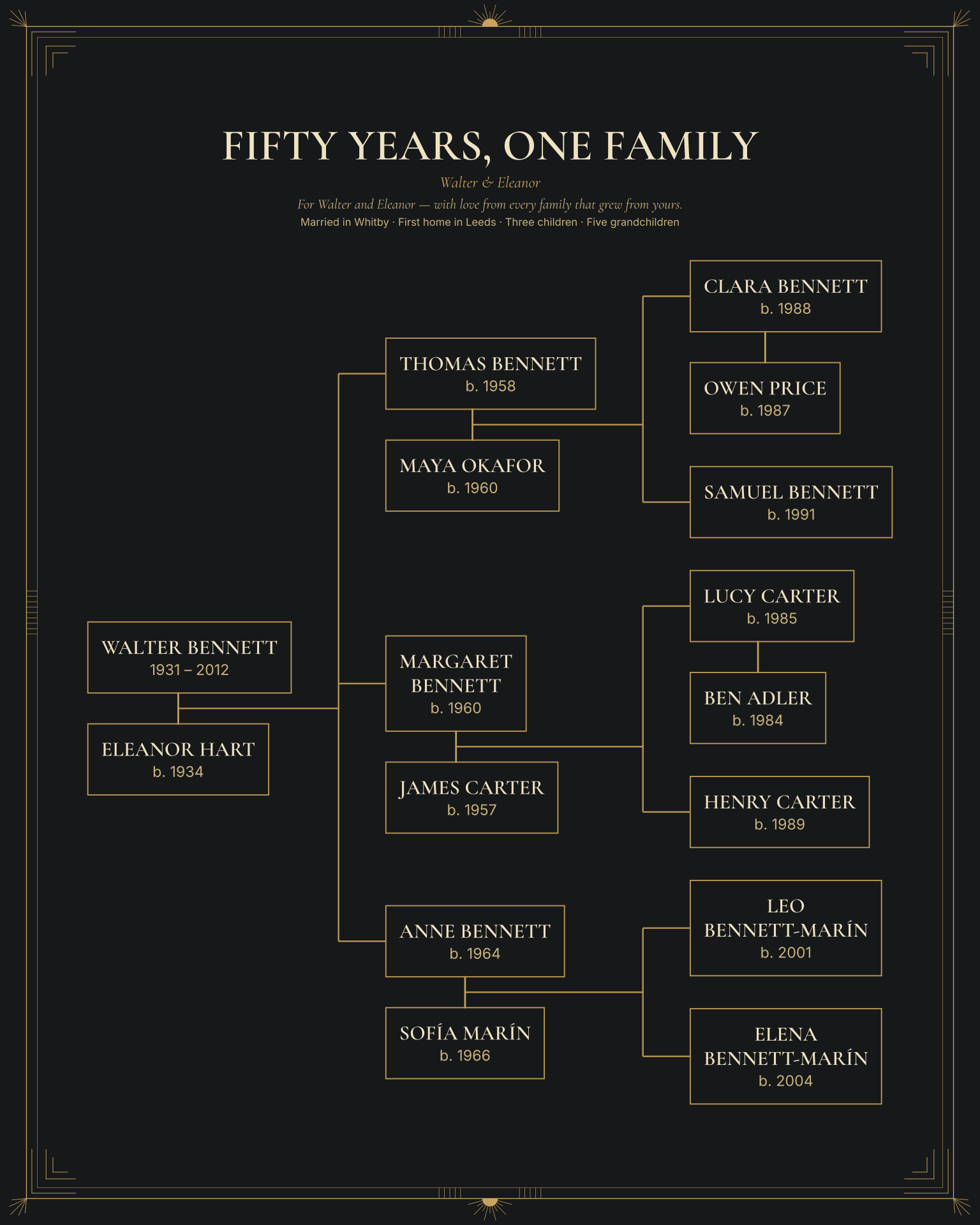
Compare the lettering, palettes and borders of all 10 styles on a descendant example. Pick one to start Photo Legacy with it already chosen. You can switch styles later without changing your family.
Three ways to begin
Type names
Start with one person and add relatives one at a time. Unknown dates and places are fine.
Import GEDCOM
Export a .ged file from your genealogy software. You review what was read before anything is used. How importing works
Import CSV
Keep your family in a spreadsheet? Use the studio’s CSV template, with one row per person.
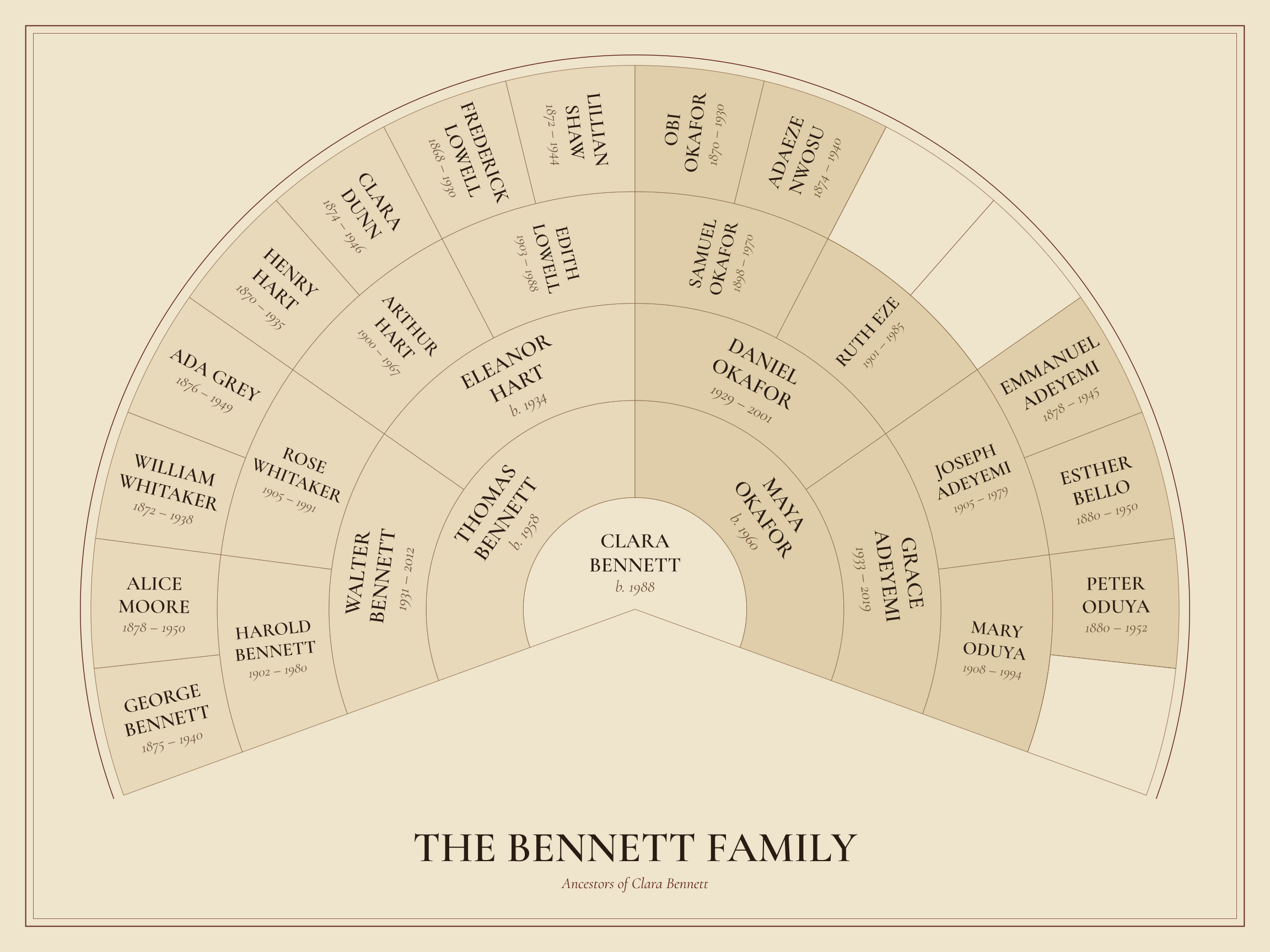
Start your Photo Legacy.
Your work is saved in this browser as you go, and you can come back to it from My projects.